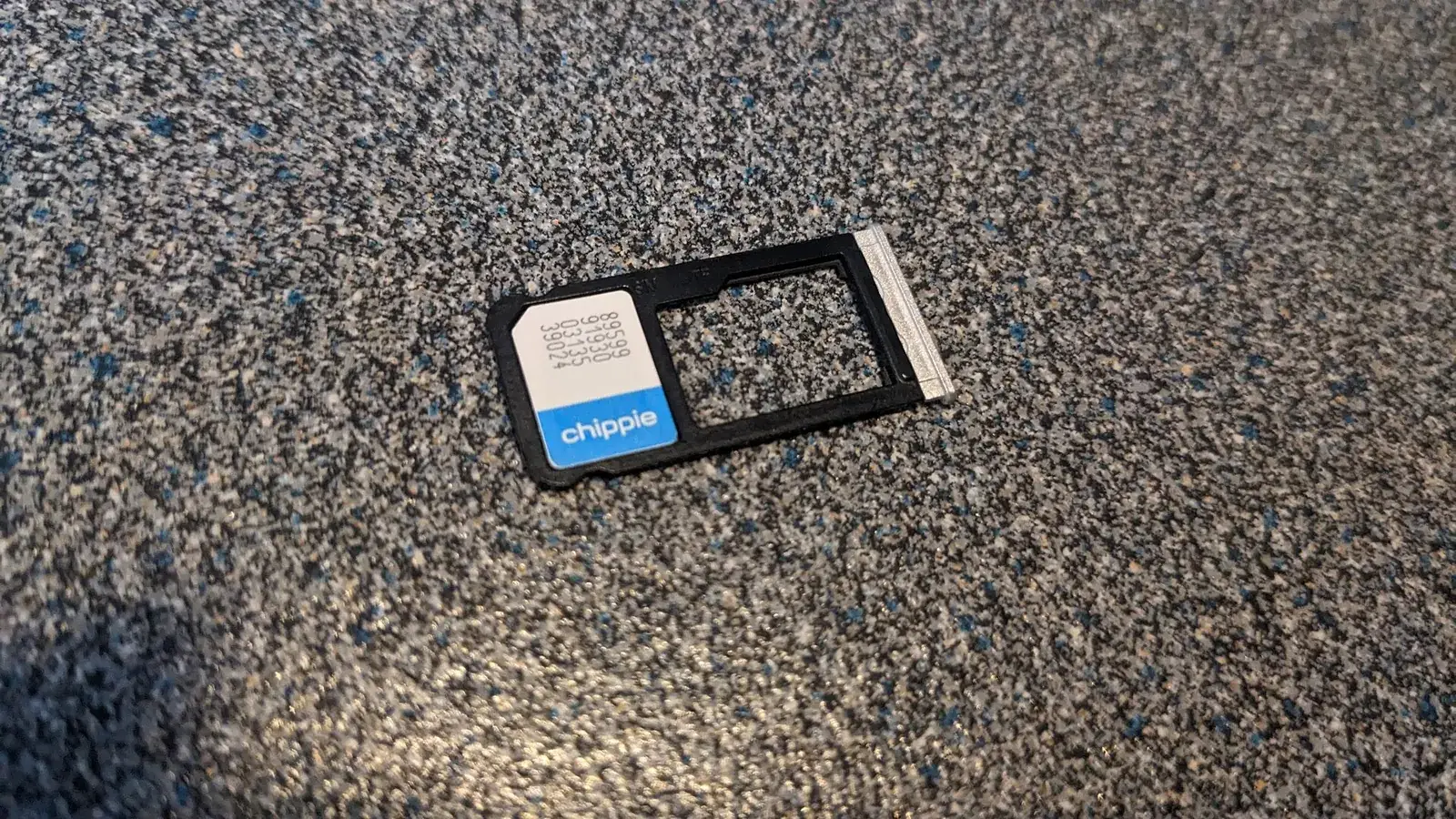
For most trips an eSIM or a local prepaid SIM is cheaper than roaming. Check first that your phone is unlocked. Coverage is good in cities and main towns, patchy in the mountains and often absent in the Amazon and on treks, so download maps and key bookings before you leave town.
Three ways to get data
Roaming on your home plan is the simplest, with nothing to change on arrival, but it can be expensive unless your plan includes Peru. Check your operator's terms before leaving, including any daily charge and the fair-use limit.
A travel eSIM is a digital SIM that you install before departure, usually through a provider's app. It works only if your phone supports eSIM and is unlocked, and it avoids queues and paperwork. Compare data allowances, validity and speed, and do not assume that a plan sold as covering Peru gives good coverage in remote regions.
A local prepaid SIM can be bought from the operators' shops in cities and at the airport. Peruvian operators generally require a passport to register a SIM, and the procedure and prices change, so budget a little time. Buy from an official shop rather than from a street seller. Pay by card where possible and watch fees, as explained in money.
Coverage on the ground
Coverage is strongest in Lima and in larger cities. In the Andes, signal fades on mountain roads, high passes and in valleys, and many trails have no coverage at all. In the Amazon lodges, expect little or none, and treat Wi-Fi at remote lodges as a bonus rather than a promise.
Before heading to Machu Picchu, a trek or the jungle, download offline maps (see the packing list for the rest of the kit), your tickets and the contact details of your hotel and operator. Tell someone your plan if you will be out of range. A power bank is more useful than a second SIM, and Machu Picchu packing lists the other essentials for the day.
Choosing between eSIM and local SIM
An eSIM suits short trips of one or two weeks: you can install it at home, switch it on when you land and be online as soon as the plane touches down, which helps with the airport taxi or ride-hailing app. Its weakness is price per gigabyte on longer stays, and some regional plans share capacity across several countries.
A local SIM is better value if you stay several weeks, need a large data allowance or want a local number for calls to hotels and guides. The shop will normally ask for your passport and set up the SIM in front of you, so allow time at the counter, ideally in a city rather than on arrival after a long flight.
Dual SIM, hotspots and sharing data
Many modern phones can hold an eSIM and a physical SIM at once, which lets you keep your home number active for calls and bank codes while using the travel data plan. Turn off data roaming on the home line, or you may still be charged.
If you travel as a group, check that the plan allows personal hotspot use. Some cheaper plans block tethering or restrict it. A hotspot can be handy in places with a single signal, but it drains the battery quickly, so bring a charger and the right plug, as explained in electricity.
Practical tips
Keep your home SIM safe if you swap physical cards, and note that you may lose access to text-message verification codes sent to your home number. If you use an eSIM, you can keep your main line active for those codes where your phone supports two lines.
Free Wi-Fi is common in hotels, cafés and some airports, but it can be slow and insecure, so avoid banking on open networks. A VPN or at least cautious habits are sensible. Open networks are a risk, as explained in safety. Use the phone for ride-hailing apps in cities, which is often the safest way to take a taxi, as explained in taxis and apps.
Staying reachable on treks and tours
On multi-day treks such as the Inca Trail, do not count on phone service. Your agency will have a contact procedure, and guides carry communication equipment for emergencies. Share your itinerary and the agency's contact with family, and agree when you will check in once you are back in range.
For emergencies, a phone with a charged battery, a downloaded copy of the emergency contacts and a note of your insurer's number is more useful than a data plan. Airplane mode and a power-saving setting extend battery life in cold conditions, where batteries drain faster. Keep the phone in an inside pocket at night.
Apps worth downloading before you land
Download your airline app, offline maps for each region, a translation app with the Spanish pack, your hotel confirmations and a ride-hailing app that works in Peru. Doing this at home on reliable Wi-Fi avoids slow downloads on a limited data plan. See apps for the types that are worth installing.
Set a data warning on your phone so that a background update does not use a whole allowance, and turn off automatic cloud uploads of photos until you are back on Wi-Fi.
Frequently asked questions
Do I need an unlocked phone?
For a local SIM or a travel eSIM, yes. Ask your operator whether your phone is unlocked.
Will my phone work on the Inca Trail?
Do not count on it. Coverage is limited or absent on much of the trail.
Is an eSIM better than a physical SIM?
It is quicker to set up and works well for short trips, but a local SIM can offer more data for the price on longer stays.
Can I buy a SIM at Lima airport?
Operators usually have counters or kiosks at the main airports, but opening hours, stock and prices vary. If you want to be connected immediately, install an eSIM before departure.
Is there mobile coverage at Machu Picchu?
Coverage in and around Machu Picchu and Aguas Calientes can be unreliable. Download tickets, maps and train details beforehand, and treat any signal as a bonus.
Will WhatsApp work in Peru?
Yes, WhatsApp is widely used by hotels, guides and tour operators, so a working data connection is the easiest way to confirm pick-ups. Keep the app updated before you leave.
Can I use my phone's hotspot for a laptop?
Often yes, but plans differ. Check that tethering is allowed, and bring a power bank because hotspots drain the battery.